iPhone & iPad app
A canvas that steps off the wall.
A child's drawing, a photo, a sketch — or one of 24 included public-domain master paintings — turned into a sculpted relief, then placed on your living-room wall in augmented reality.
The idea
An image doesn't have to stay flat
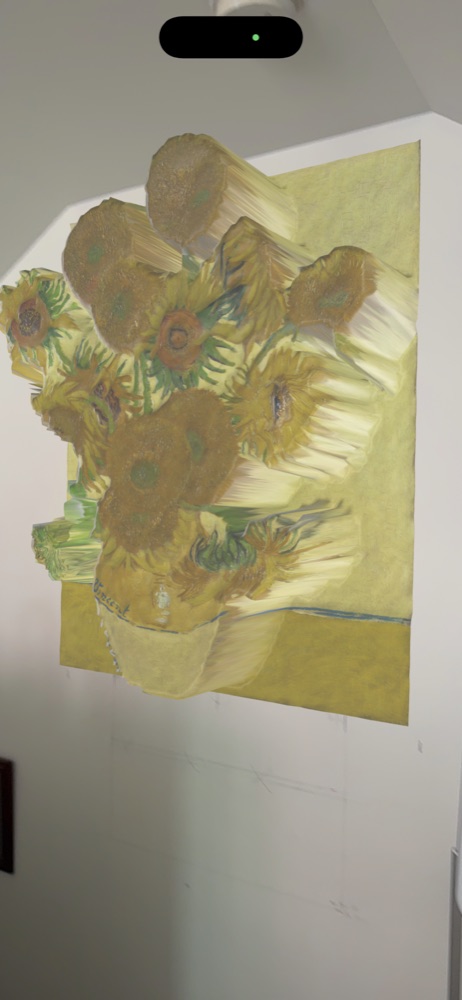
MY CREATION starts from a simple idea: it turns any image — a photographed drawing, a photo, or a public-domain master painting — into an actual sculpted relief, then anchors it in your room using augmented reality. Pick a relief intensity, watch the live 3D preview spin under your finger, then hang it on the wall at true scale — nothing to print.
Original colors, untouched
No filter alters your drawing or the chosen painting — only depth is added. What you see on screen is exactly what gets sculpted.
The wall, not the screen
Your creation is placed on a real wall, at the artwork's true size, with the room visible around it. On LiDAR-equipped devices, surface detection uses the depth sensor.
Five relief intensities
From "flat canvas" to "strong 3D" — adjust the sculpted depth in one tap, with a live preview before you confirm.
A public-domain museum, in relief
24 master paintings (Monet, Van Gogh, Da Vinci, Vermeer, Rembrandt, Hokusai...) all verified public domain, ready to become a 3D relief without ever altering their original colors.
How it works
From paper to wall, in five steps
All processing — capture, 3D relief, augmented reality — happens on your device. Nothing is sent to a server.
Capture
Scan a paper drawing (auto-cropped and straightened), take a photo, or import an existing image from your library.
Or pick a painting
No drawing on hand? Choose from 24 public-domain master paintings already built into the app's gallery.
Set the relief
Five automatic levels, from flat to strong, with a live 3D preview you can spin with your finger.
Place it on your wall
MY CREATION exports a USDZ file and opens Apple's native AR viewer: aim at a wall, place, walk around it. No physical print required.
Keep it, share it
Every creation stays in "My Library" (original photo, relief, 3D file), with a savable preview and AirDrop sharing — the 3D scene also opens on Apple Vision Pro.
In pictures
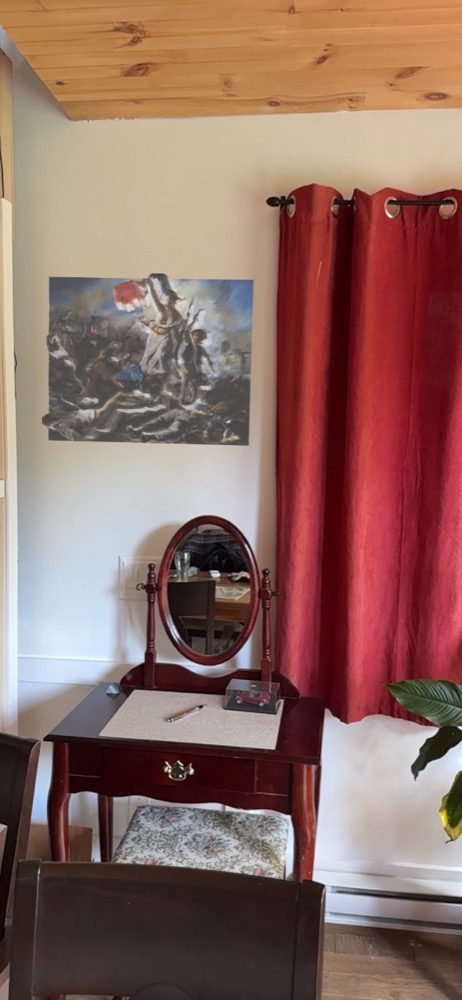
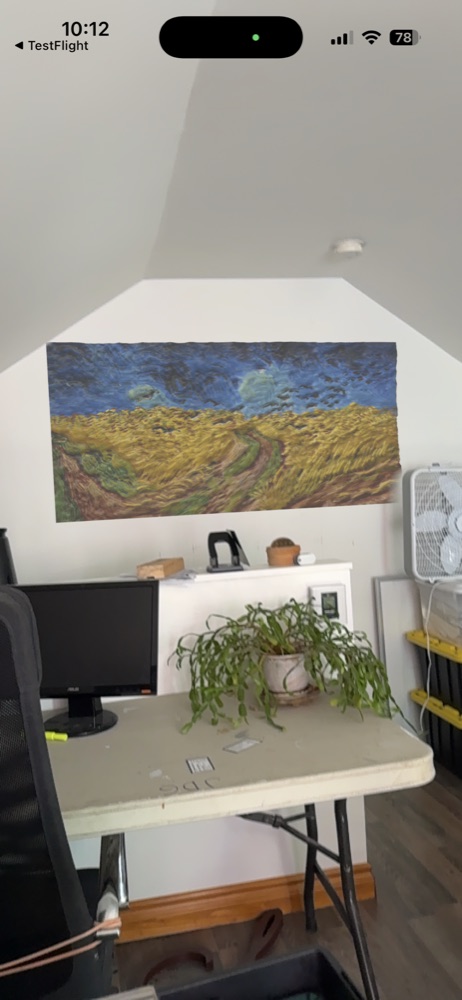
Master paintings, hung for real
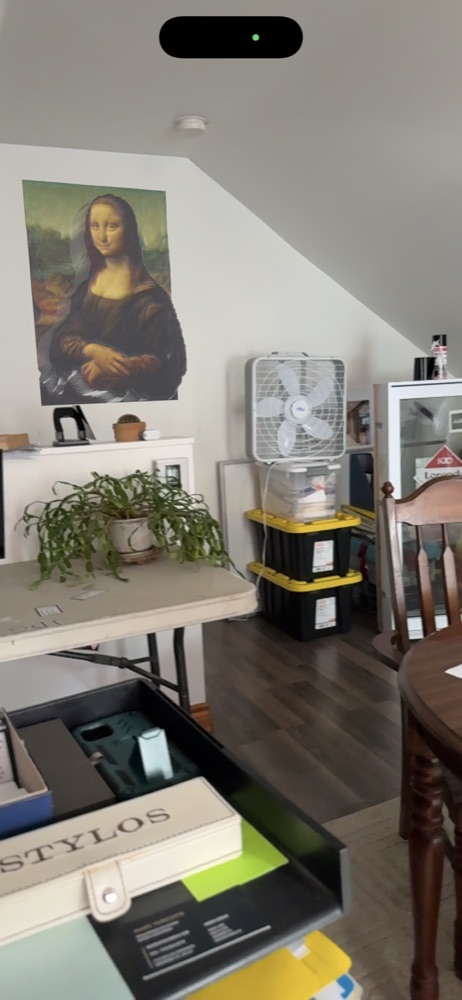
Included library
24 master paintings, ready instantly
All verified public domain — no color or composition is altered, only depth is added.
Specifications
Tech specs
| Compatibility | iPhone and iPad, iOS 17.0 or later |
|---|---|
| Language | French and English — a visible FR / EN button in the app, independent of the system language |
| Augmented reality | Apple's native AR Quick Look (ARKit) · LiDAR-assisted on supported devices |
| 3D format | USDZ — native Apple export and sharing, compatible with Apple Vision Pro |
| Relief range | 5 automatic levels, from "flat canvas" to "strong 3D" |
| Master painting library | 24 works, all verified public domain |
| Privacy | Fully on-device processing — your drawings and photos never leave your device |
Available on the App Store
Hang your first creation today
Available on the App Store, for iPhone and iPad.
Download on the App Store